Introduction
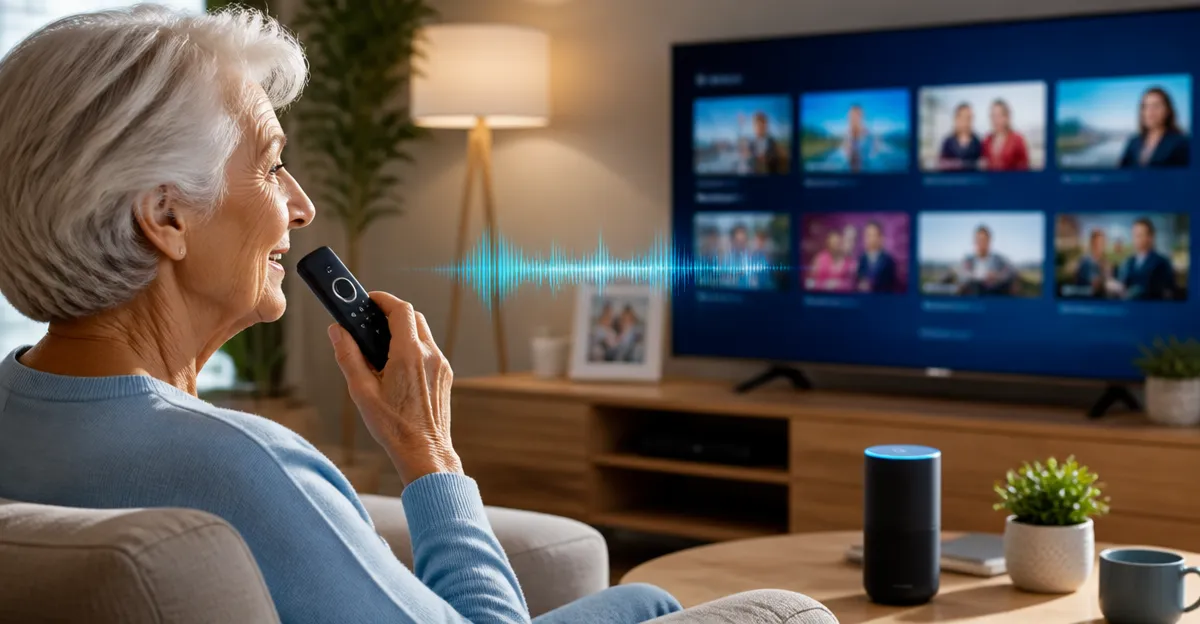
Providing seniors with cognitive decline access to television should be straightforward and reassuring. Voice‑controlled interfaces reduce the need for complex button sequences, allowing users to focus on content rather than navigation. When a remote or app responds promptly to spoken commands, it can foster a sense of autonomy and reduce frustration during daily routines.
Technology manufacturers have responded by offering a range of inexpensive, easy‑to‑use solutions that integrate voice activation with familiar television functions. This article evaluates ten of the most suitable options, highlighting price, reliability, and real‑world feedback from other caregivers. The goal is to equip families and care professionals with clear guidance on selecting tools that enhance quality of life without overwhelming the user.
Top 10 Voice‑Controlled TV Solutions for Seniors
- Samsung TV Remote 2‑Pack – Simple Voice Backup
The Samsung TV Remote 2‑Pack offers a budget‑friendly solution for households that already own Samsung smart televisions. Each remote operates via infrared, eliminating the need for pairing, and it responds to voice commands for channel changes and volume adjustments. The package includes two units priced at $9.97, and it holds a 4.5‑star rating based on more than twenty‑two thousand reviews. Users praise the long range of up to thirty‑two feet and the rapid response time of half a second.
Positive feedback underscores the ease of use: "I bought these and they worked great on two different Samsung smart TVs. Very happy with the price and quality. So easy to use, just put in batteries, did not need to program anything." The inclusion of three shortcut buttons further simplifies common actions, making the remote an ideal backup for seniors who may misplace the original controller.
- Fire TV Remote App – Alexa Voice Integration
The Fire TV Remote App transforms a smartphone into a voice‑enabled remote, leveraging Amazon Alexa for hands‑free operation. Although some users expressed disappointment about missing dedicated Fire TV features, the app still permits voice search, playback control, and content discovery without requiring a physical remote.
For seniors, the ability to say “Alexa, play my favorite show” reduces the cognitive load associated with navigating menus. The app is free to download, and it works on both Android and iOS devices, allowing families to repurpose an existing phone rather than purchase additional hardware.
- Apple TV Replacement Remote – Reliable IR Control
The Apple TV Replacement Remote provides a straightforward infrared alternative for Apple TV owners who prefer tactile feedback. Priced at $25.49 with a 4‑star rating from 1,438 reviewers, the remote does not include Bluetooth or voice capabilities, but its simple button layout and universal TV power key make it accessible for users with limited dexterity.
Customer comments highlight the plug‑and‑play experience: "This replacement TV remote worked immediately! All I had to do was put batteries in, and it was ready to use—no programming or complicated setup required." While the lack of voice control may be a limitation, the remote’s reliability and low learning curve remain valuable for seniors who struggle with complex interfaces.
- Roku TV Remote – Official Voice‑Ready Option
The Roku TV Remote is the official accessory for Roku televisions and includes voice search via the built‑in microphone. At $9.99 and a 4.6‑star rating from 11,816 reviews, it offers pre‑set shortcuts for popular streaming services, reducing the number of steps required to launch favorite content.
Reviewers note the remote’s immediate pairing: "Out of the box they immediately worked with my Roku TV. Feel nice in the hand and feel well made. The TV can pick up the remote's signal when it isn’t even pointed at the TV." The inclusion of a dedicated voice button enables seniors to say “Hey Roku, find documentaries” without navigating menus, supporting independence for users with memory challenges.
- Universal TV Remote App – Multi‑Platform Voice Hub
The Universal TV Remote App consolidates control of Roku, Fire TV, LG, Samsung, Android, and VIZIO devices into a single smartphone interface. Although the app does not require a purchase to download, a subscription unlocks full voice functionality, allowing users to issue commands such as “turn on the TV” or “switch to Netflix.”
Positive user experiences emphasize cost savings: "I lost the remote to my air mini TV and thought I would have to buy another remote and this app saved me $30. It was an easy connection process too and I love that it works for almost every TV." The app’s broad compatibility makes it a versatile choice for households with multiple brands, simplifying the learning process for seniors.
- Voice‑Enabled Samsung Remote Paired with Alexa
When combined with an Amazon Echo device, the Samsung TV Remote 2‑Pack can be used for Alexa‑driven voice commands, extending its functionality beyond infrared control. The remote’s quick response and long‑range capability complement Alexa’s natural language processing, enabling seniors to say “Alexa, change the channel to news” without locating the remote.
This hybrid approach leverages existing hardware, keeping costs low while delivering a seamless voice experience. The remote’s 4.5‑star rating and extensive positive feedback confirm its reliability in real‑world settings.
- Fire TV App Paired with Echo Show for Visual Guidance
By pairing the Fire TV Remote App with an Echo Show device, caregivers can provide visual step‑by‑step instructions while seniors issue voice commands. The Echo Show displays the current menu, reducing confusion and reinforcing memory pathways. Although some users reported missing features, the core voice navigation remains robust.
This configuration costs only the price of the Echo Show, making it an affordable enhancement for families seeking visual reinforcement alongside voice control.
- Apple TV Remote Used with Siri on iPhone
Even though the Apple TV Replacement Remote lacks built‑in voice control, it can be paired with an iPhone that runs Siri. Seniors can press the remote’s power button to wake the Apple TV while speaking commands to the iPhone, such as “Hey Siri, play the latest episode of my favorite series.” This dual‑device method preserves the remote’s tactile simplicity while adding voice capability.
The $25.49 price point reflects the premium build quality, and the 4‑star rating indicates consistent performance across households.
- Roku Remote Integrated with Roku Voice Remote App
The official Roku Voice Remote App mirrors the physical Roku TV Remote’s functionality, allowing seniors to control their TV from a smartphone while still using voice commands. The app syncs instantly with the TV, and its on‑screen keyboard reduces the need for manual typing.
Users appreciate the redundancy: "I purchased this Roku remote as a replacement for my original remote, and it works great. Setup was quick and easy, and all of the buttons respond well." Combining the physical remote with the app offers backup options should one device fail.
- Universal Remote App as a Consolidated Voice Hub
For households that already own the Universal TV Remote App, adding voice activation through the device’s built‑in microphone creates a single point of control for all televisions. Seniors can issue commands such as “turn on the living‑room TV” without remembering which brand each remote belongs to.
While some negative reviews cite occasional connectivity issues, the overall convenience of managing multiple devices with one voice‑enabled interface outweighs occasional glitches for many users.
Comparison of Key Features
| Product | Voice Capability | Price (USD) | Rating | Key Benefit for Seniors |
|---|---|---|---|---|
| Samsung TV Remote 2‑Pack | Works with Alexa when paired | 9.97 | 4.5/5 | Long range, quick response, inexpensive backup |
| Fire TV Remote App | Alexa voice integration | Free | N/A | Leverages existing smartphone, no extra hardware |
| Apple TV Replacement Remote | Uses Siri via iPhone | 25.49 | 4/5 | Tactile buttons, universal TV power control |
| Roku TV Remote | Built‑in voice button | 9.99 | 4.6/5 | Pre‑set shortcuts, immediate pairing |
| Universal TV Remote App | Voice commands after subscription | Free (subscription optional) | N/A | Controls multiple brands from one device |
Conclusion
Selecting the right voice‑controlled television solution can dramatically improve the daily experience of seniors experiencing cognitive decline. Devices that combine simple tactile feedback with reliable voice activation reduce the mental effort required to enjoy favorite programs. The products highlighted in this article balance affordability, ease of setup, and positive user feedback, making them suitable for a wide range of household configurations.
Families should consider the existing television ecosystem, the senior’s comfort with smartphones, and the desired level of voice integration when choosing a remote or app. By prioritizing clear instructions, rapid response times, and robust customer support, caregivers can empower seniors to maintain independence while staying entertained.
Products Mentioned in This Article
Frequently Asked Questions
Why are voice‑controlled TV remotes helpful for seniors with cognitive decline?
They simplify navigation by eliminating complex button sequences, allowing users to select channels or content with simple spoken commands.
What features should I look for in a voice‑controlled TV app for seniors?
Prioritize clear voice recognition, minimal setup, large on‑screen prompts, and affordable pricing.
Is the Samsung TV Remote 2‑Pack suitable for caregivers?
Yes, it offers a budget‑friendly, plug‑and‑play voice backup that works with existing Samsung TVs, making it easy for caregivers to implement.
Can voice‑controlled TV solutions improve a senior’s sense of autonomy?
When the remote or app responds promptly, seniors feel more independent and experience less frustration during daily TV use.
Are there any safety concerns when using voice‑controlled TV devices with seniors?
Ensure the device is placed within reach, keep volume at a comfortable level, and verify that voice commands cannot unintentionally change settings that affect safety.