Introduction
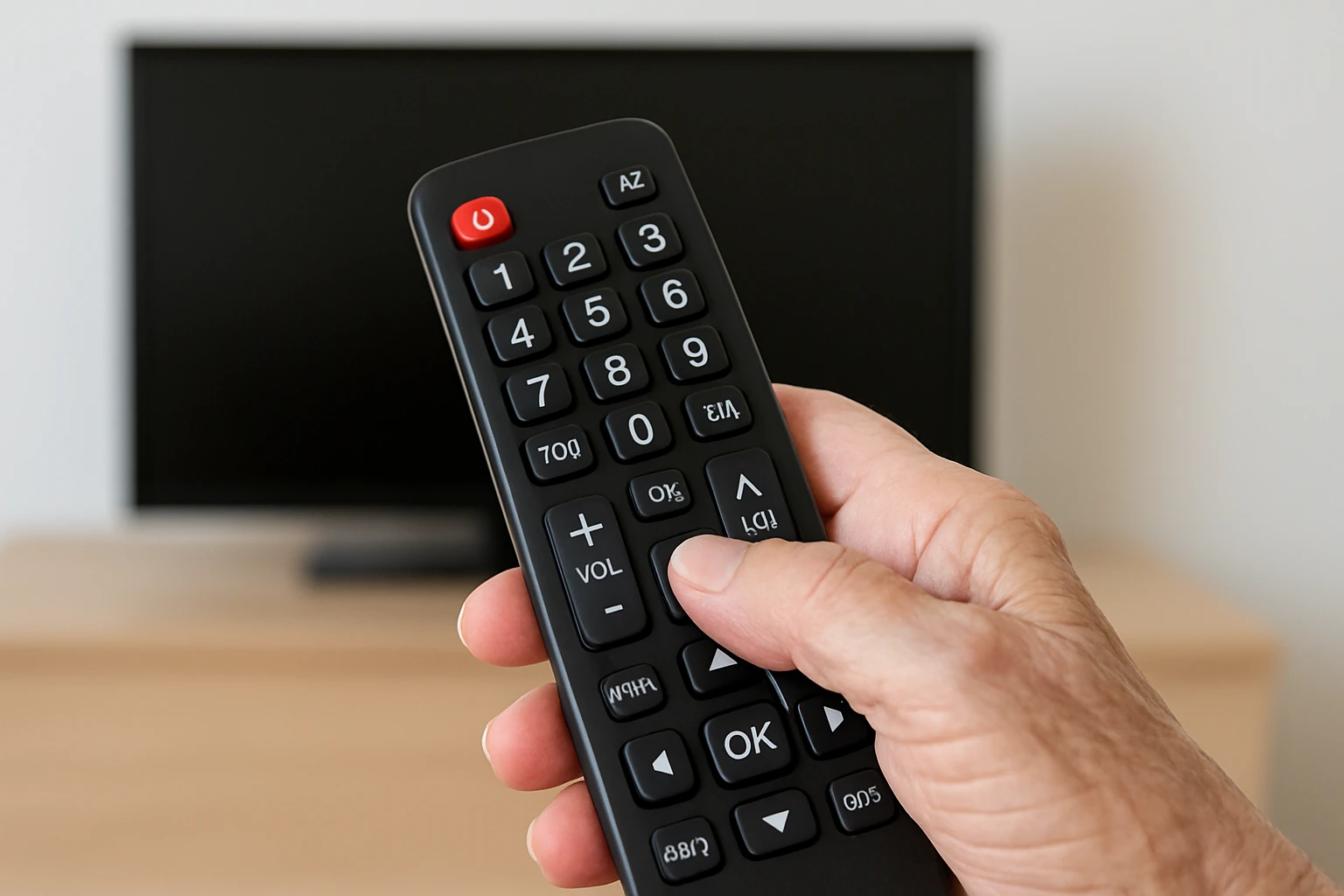
Television remains a central source of entertainment and information for many older adults, yet traditional remotes often pose barriers for seniors experiencing cognitive decline. This guide explores the challenges, presents practical strategies, and evaluates two senior‑focused universal remotes that simplify the viewing experience. Readers will learn about essential design principles, how to assess compatibility, and which features matter most for safety and independence.
By the end of the article, one will understand the underlying technology, be able to compare product options, and have actionable tips for setting up an accessible home media environment. The guide balances theoretical insight with real‑world product recommendations, ensuring value even for those who choose not to purchase.
Background and Context
Cognitive decline can affect memory, attention, and fine motor skills, making complex interfaces overwhelming. Traditional remotes usually contain dozens of small buttons, cryptic symbols, and multi‑step programming procedures that require sustained concentration.
Universal remotes address part of the problem by consolidating control of multiple devices into a single unit. However, not all universal remotes are designed with seniors in mind. Key considerations include button size, tactile feedback, clear labeling, and simplified setup processes that do not rely on extensive trial‑and‑error.
Infrared (IR) technology remains the most common communication method for televisions and set‑top boxes. IR remotes transmit a light pulse that the target device interprets as a command. Unlike Bluetooth or RF solutions, IR does not require pairing, which reduces the cognitive load during installation.
When evaluating a remote for a senior with cognitive decline, one should assess three dimensions: physical ergonomics, programming simplicity, and reliability of core functions such as power, volume, and channel navigation.
Key Concepts and Strategies
Effective accessibility begins with understanding how seniors interact with technology. The following concepts guide product selection and environment design.
- Button Size and Contrast: Large, high‑contrast buttons reduce visual strain and improve tactile discrimination.
- Learning vs. Code‑Based Remotes: Learning remotes copy the signals from an existing remote, eliminating the need to memorize brand codes.
- Single‑Function Focus: Limiting the remote to essential functions (power, volume, channel, mute) minimizes confusion.
- Feedback Mechanisms: Audible clicks or LED indicators confirm that a command has been sent.
Implementing these strategies at home may involve rearranging the television area, providing a well‑lit surface, and labeling the remote with simple icons or stickers.
Product Recommendations
The market offers several senior‑oriented universal remotes. Two models stand out for their ergonomic design and learning capabilities.
Gmatrix Universal TV Remote for Seniors
The Gmatrix Universal TV Remote for Seniors features oversized buttons, clear LED guidance, and a dual auto‑manual code search system. It supports a broad range of brands, including Samsung, LG, Sony, and Vizio, making it a versatile replacement for most televisions.
- Extensive compatibility with major TV brands.
- Easy brand switching by holding Power and brand key for two seconds.
- Automatic and manual code search for precise control.
- Learning function that can store up to 14 custom commands.
- User‑friendly LED indicators for setup and troubleshooting.
These features align with the ergonomic and simplicity criteria essential for seniors with memory challenges.
Tabtime Big Button TV Remote for Seniors
The Tabtime Big Button TV Remote for Seniors offers seven large, clearly labeled buttons and a learning mode that copies signals from an existing remote. Priced at $15.99 and rated 3.9 out of 5 stars from over 2,000 reviews, it provides a cost‑effective solution for households that already possess a functional original remote.
- Seven oversized buttons covering power, volume, channel, mute, and a customizable function.
- Learning capability that duplicates up to 14 commands from the original remote.
- IR‑only compatibility; does not support Bluetooth, RF, or Roku devices.
- Includes two AAA batteries for immediate use.
- Positive user feedback highlights ease of programming and readability.
While the Tabtime remote lacks automatic brand detection, its straightforward learning process makes it suitable for seniors who prefer a single, dedicated device.
Comparison and Selection Guide
| Feature | Gmatrix Universal TV Remote for Seniors | Tabtime Big Button TV Remote for Seniors |
|---|---|---|
| Button Size | Extra‑large, high‑contrast | Large, clearly labeled |
| Learning Function | Up to 14 custom buttons | Up to 14 custom buttons |
| Automatic Brand Detection | Yes (auto & manual code search) | No (requires original remote) |
| Compatible Brands | Samsung, LG, Sony, TCL, Hisense, Vizio, Roku‑TV, Panasonic, Philips, Sharp, more | Most IR‑based TVs and set‑top boxes |
| Price (USD) | Not listed (typically mid‑range) | $15.99 |
| Average Rating | Not provided | 3.9 / 5 (2,062 reviews) |
| Battery Type | Standard AAA (included) | 2×AAA (included) |
| Setup Complexity | Moderate (LED guidance, code search) | Simple (learning mode only) |
When choosing between the two, consider the senior’s comfort with technology. If brand‑specific auto‑search is valuable, the Gmatrix remote offers a smoother experience. If budget constraints dominate and an existing remote is readily available, the Tabtime model provides essential functionality at a lower cost.
Best Practices & Tips for Implementation
Beyond product selection, caregivers can enhance accessibility through environmental adjustments.
- Position the Remote Within Easy Reach: Place the remote on a stable surface at waist height to reduce bending.
- Label Buttons With Simple Icons: Use stickers or printed labels that depict power, volume up/down, and channel up/down symbols.
- Use Contrast Backgrounds: A light‑colored remote on a dark table or vice versa improves visual discrimination.
- Establish a Routine: Encourage the senior to turn the TV on and off at consistent times, reinforcing muscle memory.
- Test LED or Audible Feedback: Verify that the remote’s indicators are audible or visible enough for the user’s sensory needs.
- Maintain Battery Health: Replace batteries proactively to avoid sudden loss of functionality.
These practices reduce reliance on memory and support independent use, which can positively impact confidence and quality of life.
Frequently Asked Questions
1. Do I need an internet connection to program these remotes? No. Both the Gmatrix and Tabtime models operate entirely via infrared signals and do not require Wi‑Fi or Bluetooth pairing.
2. Can the remotes control streaming devices like Roku or Fire TV? The Gmatrix remote lists compatibility with Roku‑TV models that use IR, but most modern Roku and Fire TV devices rely on Wi‑Fi or Bluetooth, which these remotes do not support.
3. What if the original remote is broken? The Tabtime remote requires a working original remote for learning. In that case, consider purchasing a low‑cost replacement remote that can be programmed by code, then use the Tabtime remote to clone its signals.
4. Are the large buttons suitable for users with arthritis? Yes. Both remotes feature oversized, tactile buttons that require minimal force, making them appropriate for individuals with limited dexterity.
5. How often should I replace the batteries? AAA batteries typically last six months to a year depending on usage. Replace them when the remote’s response becomes sluggish or the LED indicator dims.
6. Can I program additional functions such as input selection? The Gmatrix remote’s learning function allows up to 14 custom buttons, which can include input or menu commands. The Tabtime remote also supports custom programming for up to 14 buttons.
Conclusion
Accessible television control for seniors with cognitive decline hinges on simplicity, clear feedback, and reliable compatibility. By understanding ergonomic principles and evaluating features such as learning capability and brand support, caregivers can select a remote that fosters independence and reduces frustration.
The Gmatrix Universal TV Remote for Seniors excels in brand versatility and guided setup, while the Tabtime Big Button TV Remote for Seniors offers an affordable, straightforward learning solution. Coupled with best‑practice environmental adjustments, these tools can markedly improve the viewing experience for seniors facing cognitive challenges.
Products Featured in This Guide
Gmatrix Universal TV Remote for Seniors
Price: Not listed | Rating: Not provided
Featured because it provides extensive brand compatibility, automatic and manual code search, and a learning function that consolidates up to 14 commands, making it ideal for seniors who need a versatile, all‑in‑one solution.
Tabtime Big Button TV Remote for Seniors
Price: $15.99 | Rating: 3.9/5 (2,062 reviews)
Featured because it offers a low‑cost, easy‑to‑learn solution with seven large buttons and a learning mode that copies signals from an existing remote, addressing the core needs of seniors with limited dexterity and vision.