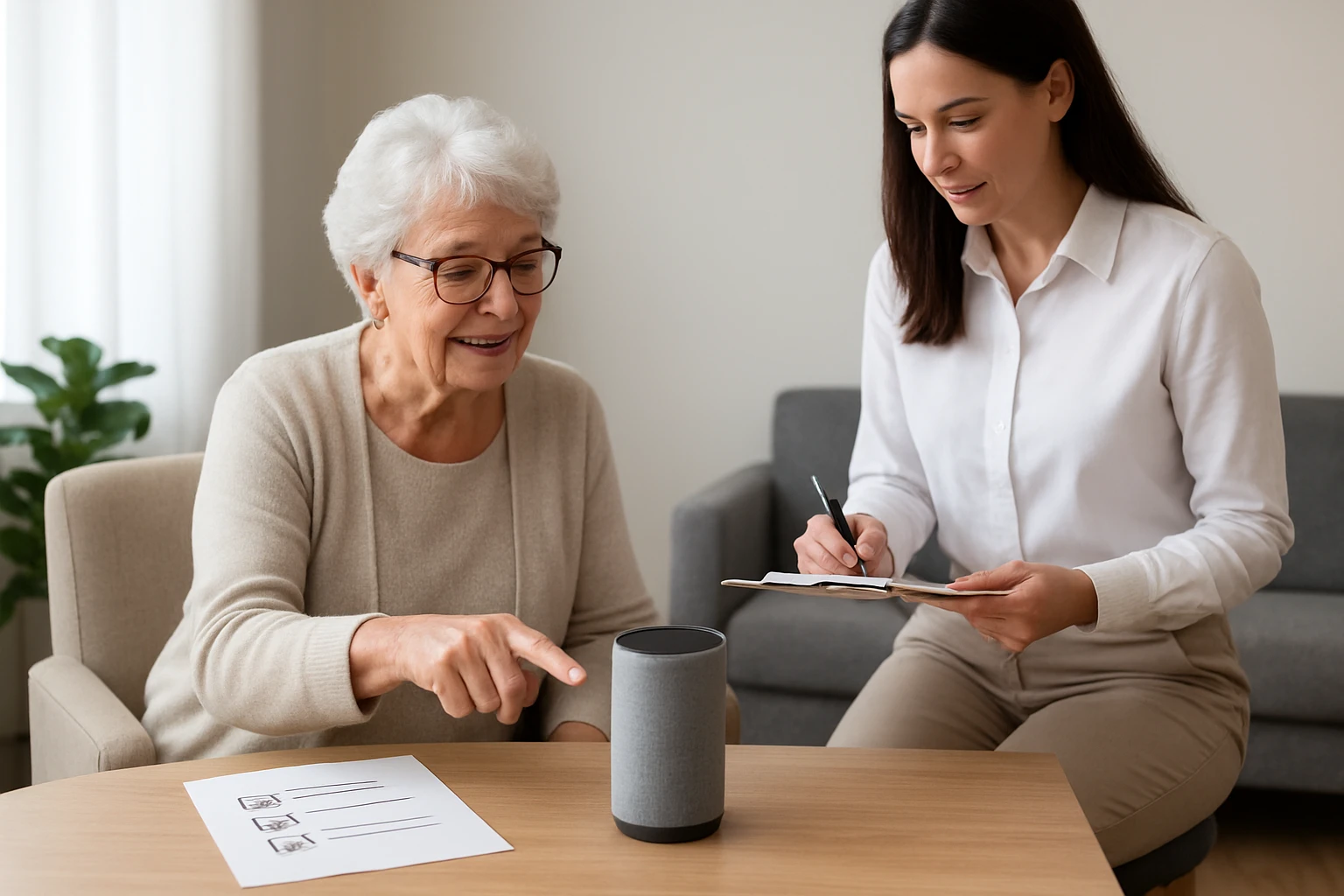

How to Conduct a Voice Assistant Accessibility Audit for Senior Living Facilities: A Step‑by‑Step Checklist
Introduction
Ensuring that voice assistants are truly accessible for senior residents is a critical component of modern senior‑living operations. This guide will teach facility managers, accessibility coordinators, and technology staff how to evaluate speech‑based interfaces against the unique needs of older adults. Readers will learn a systematic, evidence‑based audit process that highlights usability gaps, regulatory compliance, and opportunities for improvement. By following the checklist, one can enhance resident independence, reduce frustration, and demonstrate a commitment to inclusive technology.
The audit framework combines practical observation, user testing, and technical verification. It aligns with the Americans with Disabilities Act (ADA) and the World Health Organization’s recommendations for age‑friendly environments. Moreover, the guide integrates real‑world tools—such as the VTech Cordless Senior Phone—that simplify data collection and resident communication during the assessment. The result is a reproducible, transparent process that can be documented and shared with stakeholders.
What You’ll Need
- Checklist template (digital or printable)
- Smartphone or tablet with the voice assistant under review
- Internet connectivity for firmware updates
- Audio measurement app (e.g., Decibel X) to verify volume levels
- VTech Cordless Senior Phone for baseline hearing‑aid compatibility testing
- Notepad or digital note‑taking tool for observations
- Resident volunteers representing a range of hearing, vision, and cognitive abilities
Step 1: Define Audit Scope and Objectives
The first major step is to clarify which voice assistants, rooms, and resident groups will be examined. One should document the brand and model of each device, the intended use cases (e.g., emergency calls, entertainment, medication reminders), and any existing accessibility policies. This scope statement becomes the benchmark against which all findings are measured. By setting clear objectives—such as “verify that all spoken prompts are audible to residents with mild hearing loss”—the audit remains focused and actionable.
During this phase, involve the facility’s compliance officer to ensure alignment with state and federal regulations. Create a simple matrix that maps each device to resident categories (hearing‑impaired, vision‑impaired, cognitively impaired). The matrix will later guide targeted testing and help prioritize remediation efforts.
Step 2: Gather Baseline Data Using a Senior‑Friendly Phone
Before interacting with the voice assistant, it is essential to establish a baseline for what constitutes an acceptable audio level for senior residents. The VTech Cordless Senior Phone offers a 90 dB extra‑loud ringer and a one‑touch 50 dB Audio Assist feature, making it an ideal reference device. Its big buttons and backlit display also allow staff to demonstrate volume adjustments to residents who use hearing aids.
Place the senior phone in a typical resident room and activate the 90 dB ringer. Ask a resident to indicate whether the sound is clearly audible without straining. Record the decibel reading using the audio measurement app. This baseline will be compared to the voice assistant’s spoken responses later in the audit.
Step 3: Verify Voice Assistant Wake‑Word Sensitivity
Wake‑word detection must work reliably for users who may speak more softly or with an accent. Conduct a series of tests where residents utter the wake‑word at varying volumes (soft, normal, loud) from different distances (1 m, 2 m, 3 m). Document the success rate for each condition. If the device fails to respond at softer volumes, note the need for an alternative activation method, such as a physical button or the senior phone’s speakerphone function.
When a device includes a visual indicator—such as a flashing light on the VTech phone—use it to confirm that the system has recognized the command. Visual feedback is especially valuable for residents with mild hearing loss, as it provides an additional confirmation cue.
Step 4: Assess Speech Recognition Accuracy
Speech recognition should accurately interpret common senior‑related phrases, including medication names, emergency requests, and colloquial expressions. Create a list of 20 representative commands (e.g., “call my daughter,” “what time is it,” “turn on the lights”). Have residents speak each command naturally, and record whether the assistant executes the request correctly.
Track error types—misrecognition, partial recognition, or no response—and calculate an overall accuracy percentage. An accuracy below 85 % indicates a need for customized voice models or additional training data that reflect senior speech patterns.
Step 5: Test Audio Output for Volume and Clarity
Using the baseline established in Step 2, compare the voice assistant’s spoken responses to the 90 dB reference level. Measure the decibel level of the assistant’s output at the same distance used for the senior phone test. If the level falls below the baseline by more than 10 dB, the device may be unsuitable for residents with hearing impairment.
Also evaluate clarity by asking residents to repeat the information they heard. Note any complaints about muffled speech or background noise. Devices that support hearing‑aid compatibility (HAC) should be marked as preferred, as they reduce distortion for users with hearing aids.
Step 6: Evaluate Visual Feedback and Display Readability
Many seniors rely on visual cues to confirm that a voice command has been processed. Examine whether the voice assistant provides on‑screen confirmations, flashing LEDs, or spoken acknowledgments. Verify that any text displayed uses high contrast and large fonts. If the device’s display is small or low‑contrast, recommend supplemental devices—such as the VTech phone’s large backlit display—to provide redundant confirmation.
Document any accessibility gaps, such as missing captions for audio responses. These gaps may be mitigated by pairing the voice assistant with a secondary visual device that offers customizable font sizes and color schemes.
Step 7: Review Integration with Emergency Services
In senior living, the ability to summon help quickly can be life‑saving. Test the voice assistant’s emergency call flow by issuing commands like “call 911” or “call the nurse station.” Confirm that the call connects without requiring additional verification steps that could delay response.
If the device lacks direct emergency dialing, consider integrating it with the VTech Cordless Senior Phone’s answering machine, which can store emergency numbers and provide a one‑touch call feature. Document the integration steps and any latency observed during the test.
Step 8: Examine Data Privacy and Consent Mechanisms
Voice assistants continuously process audio data, raising privacy concerns for vulnerable populations. Verify that the device offers clear consent prompts, opt‑out options, and secure data storage. Review the privacy policy for compliance with HIPAA when health‑related information is involved.
Provide residents with a concise, easy‑to‑understand summary of what data is collected and how it is used. If the device does not meet privacy standards, recommend alternative solutions that provide on‑device processing without cloud transmission.
Step 9: Compile Findings into an Accessibility Report
After completing all tests, organize observations into a structured report. Use the checklist matrix created in Step 1 to map each finding to the relevant resident group and device. Include quantitative data (e.g., decibel measurements, accuracy percentages) and qualitative feedback (resident comments, staff observations).
Prioritize recommendations based on impact and feasibility. For example, adjusting the voice assistant’s volume settings may be a low‑cost fix, whereas adding a visual confirmation display could require a modest hardware investment.
Step 10: Develop an Action Plan and Follow‑Up Schedule
Translate the report’s recommendations into an actionable plan with clear timelines, responsible parties, and success metrics. Assign a technology champion to oversee firmware updates, configuration changes, and resident training sessions.
Schedule a follow‑up audit six months after implementation to verify that improvements have been sustained. Continuous monitoring ensures that new residents, device upgrades, or policy changes do not erode accessibility gains.
Tips & Pro Tips
- Conduct testing during both quiet and noisy periods to gauge performance under realistic conditions.
- Use the VTech phone’s 22‑minute digital answering machine to record test sessions for later review.
- Document resident consent before involving them in voice‑assistant testing.
- Leverage the phone’s smart call blocker to filter out unwanted test calls that could skew results.
- Consider pairing the voice assistant with a dedicated speaker that supports volume amplification for larger common areas.
Troubleshooting
Problem: The voice assistant does not respond to soft wake‑words.
Solution: Increase the device’s microphone sensitivity in the settings menu, or provide a physical activation button such as the VTech phone’s speakerphone button.
Problem: Residents report that spoken responses are difficult to understand.
Solution: Adjust the output volume to match or exceed the 90 dB baseline measured with the senior phone, and enable any available hearing‑aid compatibility mode.
Conclusion
Conducting a voice‑assistant accessibility audit empowers senior living facilities to deliver technology that respects the dignity and independence of older adults. By following the ten‑step checklist, one can systematically identify barriers, implement targeted solutions, and document measurable improvements. The inclusion of tools such as the VTech Cordless Senior Phone ensures that auditory benchmarks are grounded in senior‑friendly standards. Ongoing monitoring and resident feedback will sustain accessibility gains and foster a culture of inclusive innovation.
Products Mentioned in This Guide
Frequently Asked Questions
What is a voice assistant accessibility audit in senior living facilities?
It is a systematic evaluation of speech‑based technology to ensure it meets the usability and legal needs of older residents.
Which standards should guide the audit?
The audit should align with the ADA, WHO age‑friendly guidelines, and any local accessibility regulations.
What are the key steps in the audit checklist?
Observe usage, conduct resident user testing, verify technical settings, document gaps, and recommend improvements.
How can senior‑friendly devices like the VTech Cordless Senior Phone help?
They provide simplified controls and clear audio, serving as benchmark tools for testing voice assistant interactions.
What benefits does a completed audit bring to a facility?
It improves resident independence, reduces frustration, and demonstrates compliance and commitment to inclusive technology.